
CueController app iconCueController
Mac app for live show audio

Build the show once.

Two QLabs, one Stream Deck, and every cue built by hand? CueController creates your cues in QLab on the main and backup Macs, lays out your Stream Deck through Bitfocus Companion, and keeps all of it in sync as the show changes.

Free to download. Using it requires a CueController Pro subscription: two-week free trial, then US$69.99 a year.
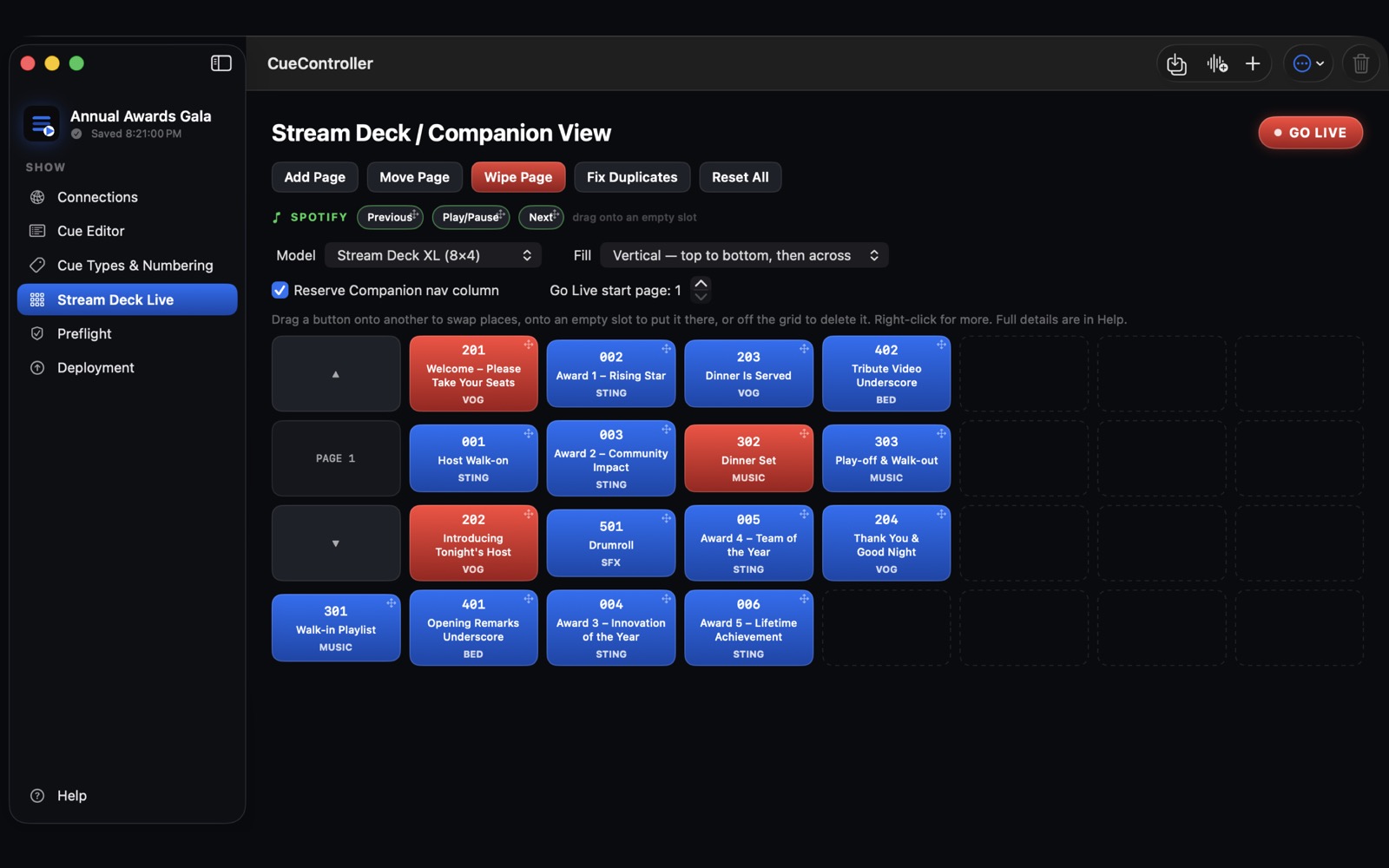
CueController's Stream Deck Live screen, showing a deck page of cue buttons
See it

Thirty seconds, start to show.

What it does

Less programming. More show.

ONE CUE LIST

Import and go

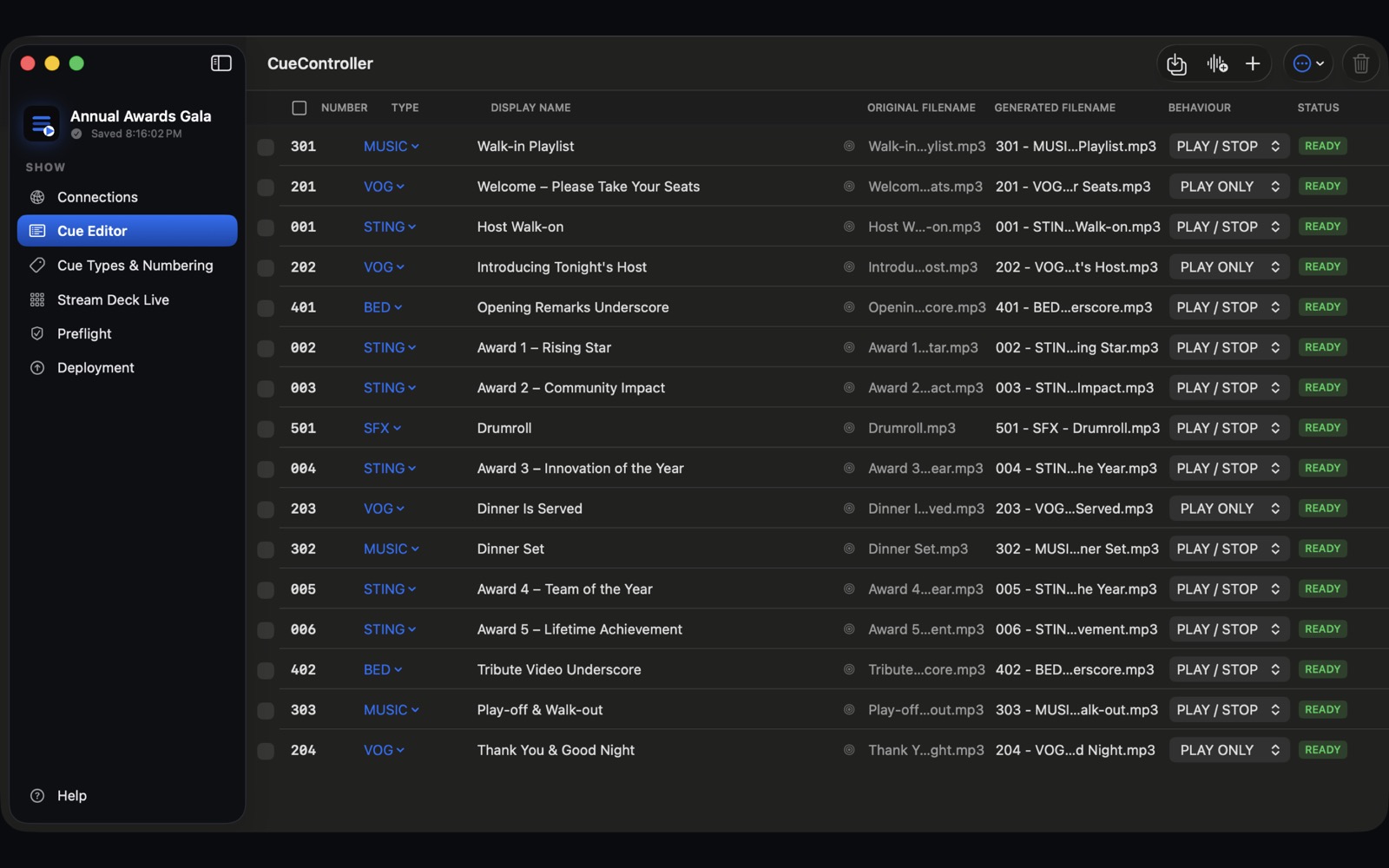
Drop in your audio. Cue numbers are read straight from the filenames, and each cue gets its type: sting, voice-of-god, music, bed.

MAIN + BACKUP

Both QLabs, built for you

Every cue is created on both QLab Macs and the audio is copied to each one. Running a single Mac? Turn the backup off with one switch.

STREAM DECK

Buttons laid out and ready

CueController builds the buttons in Companion page by page. Each one fires the cue on both machines and turns green while it plays.

GO LIVE

Everything stays in sync

Rename, renumber, reorder, add or delete a cue, and QLab and the deck follow. Preflight catches missing files and duplicate numbers before the show does.

CueController's Cue Editor with a list of numbered cues
Getting started

What you need

  1. A Mac running macOS 14 or later, Apple silicon or Intel.
  2. QLab 5 on each playback Mac, with OSC access turned on.
  3. Bitfocus Companion 5 (free) driving your Stream Deck.
  4. The Macs on the same network. The built-in Help and the tutorial walk through the full setup.

Support, tutorial video and privacy policy

Try it free for two weeks.

Free to download on the Mac App Store. Then US$69.99 a year, cancel any time in your App Store account.

Get it on the Mac App Store